

Play Arena
Jeux
Discover new games and find your favorites.
Arcade
Fun
Populaire
Titles
Challenge
Mode
 Help Center
109 plays
Se connecter to favorite and rate games
About This Game
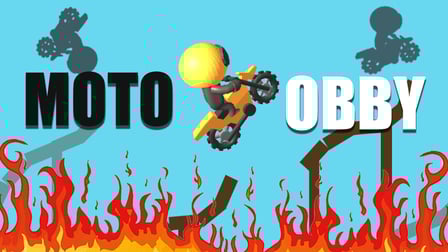
Roll through an obstacle course playing as a ball. Avoid traps and collect coins to unlock new skins
How to Play
The game controls depend on the device you are playing on.
On PC:
Use the WASD keys to control the ball.
W (up) — moving forward.
A (left) — turn left.
S (down) is a backward movement.
D (right) — turn to the right.
The space bar is a jump.
To use the improvements, click on the improvement icon on the left side of the screen.
To buy a skin, click on the store icon in the menu.
On a smartphone/tablet:
On touch devices, control is performed using a virtual joystick located in the lower left part of the screen. Move your finger across the screen to control the movement of the ball.
To jump, click on the button in the lower right part of the screen.
To use the improvements, click on the improvement icon on the left side of the screen.
To buy a skin, click on the store icon in the menu.
On PC:
Use the WASD keys to control the ball.
W (up) — moving forward.
A (left) — turn left.
S (down) is a backward movement.
D (right) — turn to the right.
The space bar is a jump.
To use the improvements, click on the improvement icon on the left side of the screen.
To buy a skin, click on the store icon in the menu.
On a smartphone/tablet:
On touch devices, control is performed using a virtual joystick located in the lower left part of the screen. Move your finger across the screen to control the movement of the ball.
To jump, click on the button in the lower right part of the screen.
To use the improvements, click on the improvement icon on the left side of the screen.
To buy a skin, click on the store icon in the menu.
Game Details
-
Orientation Vertical
-
Languesen-US
-
Tags



 English
 Arabic
 Spanish
 Portuguese
 Deutsch
 Turkish
 Dutch
Dutch
 Italiano
 Russian
 Romaian
 Portuguese (Brazil)
 Greek
Greek